OBS Studio
OBS Studio
What is OBS Studio
OBS Studio is a free and open source program for recording and live streaming video. It lets you record your computer screen, webcam, and other video sources. You can then share these recordings or stream them live to platforms like YouTube, Twitch, and Facebook. It is made by a community of developers who want to give everyone powerful tools for making video content without any cost.
Main Features
- Recording: You can record your screen in high quality.
- Live Streaming: Stream your content live to popular platforms.
- Scene Creation: Build different scenes with multiple sources like cameras, images, and text.
- Audio Mixer: Control and mix audio from different sources.
- Filters and Effects: Add color correction, chroma key (green screen), and other effects to your video.
- Extensible: Supports plugins to add even more features.
Who it Helps
OBS Studio is for anyone who wants to create video content. This includes gamers who stream their gameplay, educators who record lectures, content creators who make tutorials or vlogs, businesses that want to stream events or presentations, and anyone who needs to record their screen for any reason. Because it is free, it is a great choice for beginners and professionals alike.
How to Start
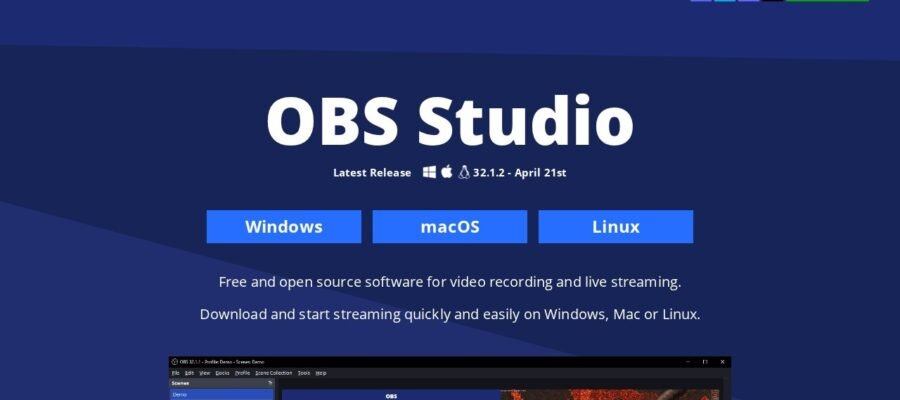
To start using OBS Studio, you need to download it from the official website, obsproject.com. The website offers downloads for Windows, macOS, and Linux. Once downloaded, install the program. When you first open OBS Studio, it will offer a setup wizard to help you configure settings for your screen resolution and streaming platform. You can then start adding sources like your display capture, webcam, and microphone. You can arrange these sources on your screen to create the look you want for your stream or recording.
Pricing
OBS Studio is completely free to use. There are no hidden costs, subscriptions, or limitations on what you can do with it. It is a free tool provided by the community for the community.