VLC Media Player
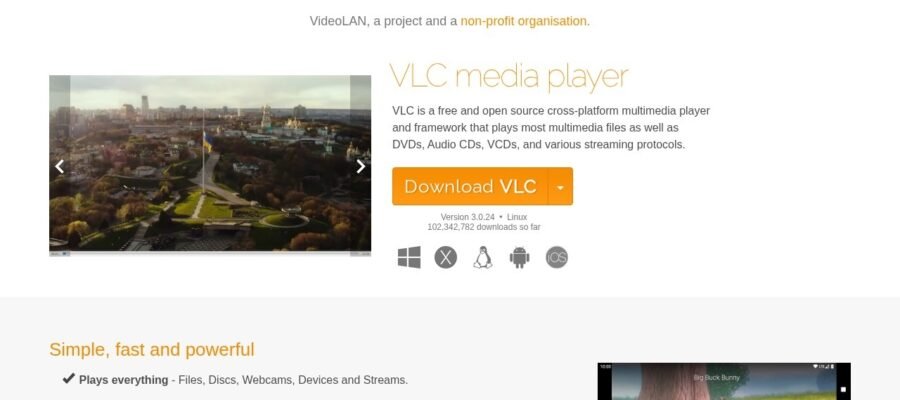
VLC Media Player
What is VLC Media Player
VLC Media Player is a free and open source program that plays almost any kind of video and audio file. It is made by the VideoLAN project. You can download and use it on your computer or phone without paying anything. It works on Windows, Mac, Linux, Android, and iOS.
Main Features
VLC can play many different file types. You do not need to download extra codes for it to work. It can also play files that are not fully downloaded yet. It can stream videos from the internet. VLC can convert files from one format to another. You can also use it to record your screen. It has many settings to change how you watch and listen to media. You can change subtitles, audio tracks, and video effects.
Who it Helps
VLC is for everyone who watches videos or listens to music on their computer or phone. It is good for people who have many different types of media files. It is also good for people who want a simple and powerful player. Students can use it for school work, and professionals can use it for presentations. Anyone who wants a reliable way to play media will find VLC useful.
How to Get Started
Getting VLC is easy. Go to the official website, which is videolan.org/vlc. Click on the download button for your device. Follow the simple instructions to install the program. Once installed, you can open VLC and drag and drop your media files into the player. You can also open files from the menu. It is very user friendly.
Pricing
VLC Media Player is completely free. There are no hidden costs or subscriptions. You can download and use it forever without paying. The program is supported by donations from users who want to help the VideoLAN project continue its work.