Audacity
Audacity
What is Audacity
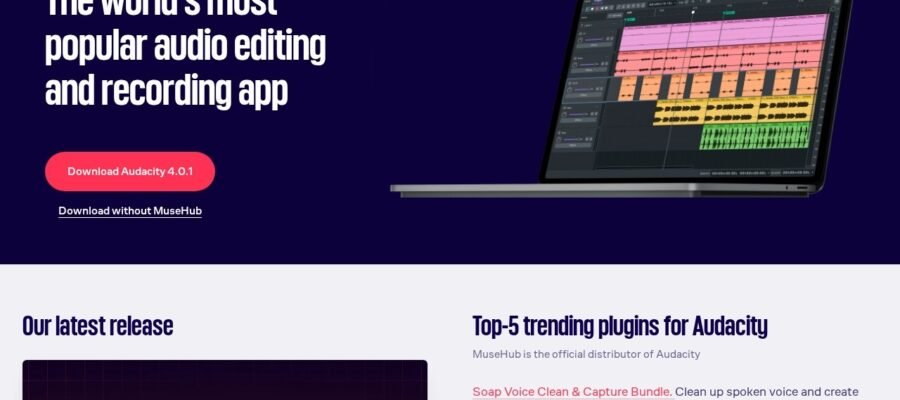
Audacity is a great free program for recording and editing sounds. It lets you make music, edit podcasts, and clean up audio files. It is a powerful tool that anyone can use without paying any money. It works on Windows, Mac, and Linux computers.
Main Features
- Recording: You can record audio from your microphone or other input devices.
- Editing: Cut, copy, paste, and delete parts of your audio.
- Effects: Add many different sound effects like echo, reverb, and noise reduction.
- Multitrack: Work with multiple audio tracks at the same time.
- Import and Export: Open and save audio files in many common formats like MP3 and WAV.
- Analysis: See the sound waves and analyze different parts of your audio.
Who Audacity Helps
Audacity is for anyone who needs to work with sound. This includes musicians who want to record and mix songs, podcasters who want to edit their shows, students who need to record lectures, and even people who just want to clean up old audio recordings. Because it is free and easy to learn, it is a good choice for beginners and experienced users alike.
How to Start
To start using Audacity, you need to visit their official website at https://www.audacityteam.org. On the website, you can find a download link for your operating system. Once you download and install the program, you can open it and begin recording or importing audio. The website also has many tutorials and guides to help you learn how to use all of Audacity’s features.