Google Slides
Google Slides
What is Google Slides
Google Slides is a free online tool that lets you create and share presentations. It’s part of Google’s Workspace suite, which includes other helpful apps like Google Docs and Google Sheets. You can make slideshows with text, images, charts, and even videos. It works right in your web browser, so you don’t need to download any special software.
Main Features
- Easy Creation: You can start from scratch or use pre made templates to quickly build your presentation.
- Collaboration: Many people can work on the same presentation at the same time. You can see what others are doing and add your own ideas.
- Cloud Storage: Your presentations are saved automatically to Google Drive, so you can access them from any device with internet.
- Sharing Options: You can share your presentations with others by sending a link or inviting them to edit.
- Offline Access: Even without internet, you can set up Google Slides to work on your presentations.
- Animations and Transitions: Add movement to your slides to make them more interesting.
- Embedding Media: Easily add images, videos, and audio files to your presentations.
Who it Helps
Google Slides is great for students, teachers, business professionals, and anyone who needs to present information. Students can use it for school projects, teachers can create lesson materials, and businesses can use it for sales pitches, reports, or team meetings. It’s a very flexible tool for many different needs.
How to Start
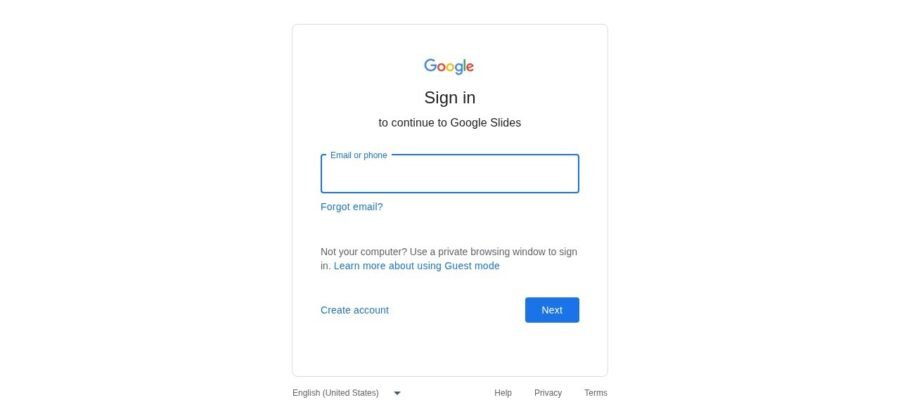
Getting started is simple. Just go to slides.google.com and sign in with your Google account. If you don’t have one, you can create one for free. Once you’re logged in, you can click the “+” button to start a new blank presentation or choose a template. You can also find presentations you’ve already made in your Google Drive.
Pricing
Google Slides is completely free to use for individuals. For businesses and organizations, there are paid versions of Google Workspace that offer more storage and advanced features, but the core Google Slides functionality remains free for everyone.