LibreOffice
LibreOffice
What is LibreOffice
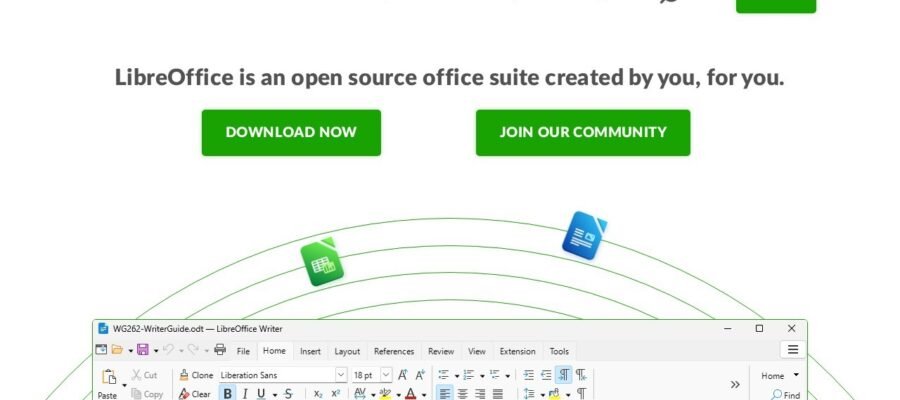
LibreOffice is a powerful and free office suite. It offers many tools for writing documents, creating spreadsheets, making presentations, and more. It is a great alternative to paid software like Microsoft Office.
Main Features
- Writer: A word processor for creating letters, reports, and other text documents.
- Calc: A spreadsheet program for managing data, performing calculations, and creating charts.
- Impress: A presentation tool for making slideshows with text, images, and animations.
- Draw: A vector graphics editor for creating diagrams and flowcharts.
- Base: A database management program for organizing and querying data.
- Math: A formula editor for creating mathematical equations.
Who it Helps
LibreOffice is for everyone. Students can use it for homework and projects. Professionals can use it for business documents and presentations. Home users can use it for personal letters, budgets, and family presentations. It is also great for organizations that want to save money on software licenses.
How to Get Started
Getting started with LibreOffice is very easy. You can download it for free from their official website, libreoffice.org. The website has clear instructions on how to download and install the software on different operating systems like Windows, macOS, and Linux. Once installed, you can open any of the applications and start working immediately. There are also many free tutorials and guides available online to help you learn how to use its features.
Pricing
LibreOffice is completely free to download and use. There are no hidden costs or subscription fees. You can use it for personal or commercial purposes without paying anything. This makes it an excellent choice for individuals and businesses looking for affordable productivity tools.