Google Docs
Google Docs
What is Google Docs
Google Docs is a free online program that lets you create and edit written documents. You can write reports, stories, letters, and many other kinds of text. It works in your web browser so you don’t need to install any special software on your computer. Your documents are saved automatically in the cloud, meaning they are stored online.
Main Features
- Document Creation: Easily start new documents from scratch.
- Editing Tools: Use familiar tools like bold, italics, underlining, and different font styles and sizes.
- Collaboration: Work on the same document with other people at the same time. You can see their changes as they happen.
- Sharing: Share your documents with others by sending them a link. You can choose if they can only view, comment, or edit.
- Templates: Use pre made designs for resumes, letters, reports, and more.
- Offline Access: You can set up Google Docs to work even when you don’t have internet.
- Version History: See all the past versions of your document and restore an older one if needed.
Who it Helps
Google Docs is great for students who need to write essays and work on group projects. It’s also useful for teachers to create lesson plans and share them. Business professionals can use it for reports, meeting notes, and team tasks. Anyone who needs to write and share documents will find it very helpful. It’s a simple yet powerful tool for everyday writing needs.
How to Start
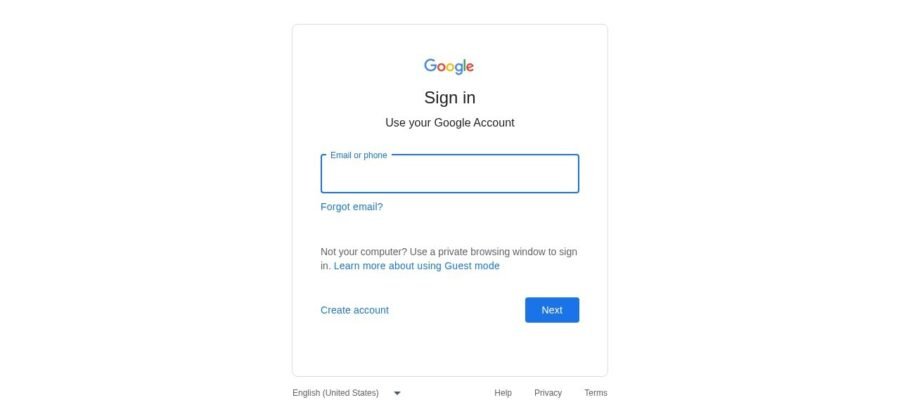
To start using Google Docs, all you need is a Google account. If you already use Gmail, you have one. Just go to docs.google.com and sign in. You can then start a new blank document or choose a template. It’s that easy to get started with writing and sharing.