Google Forms
Google Forms
What is Google Forms
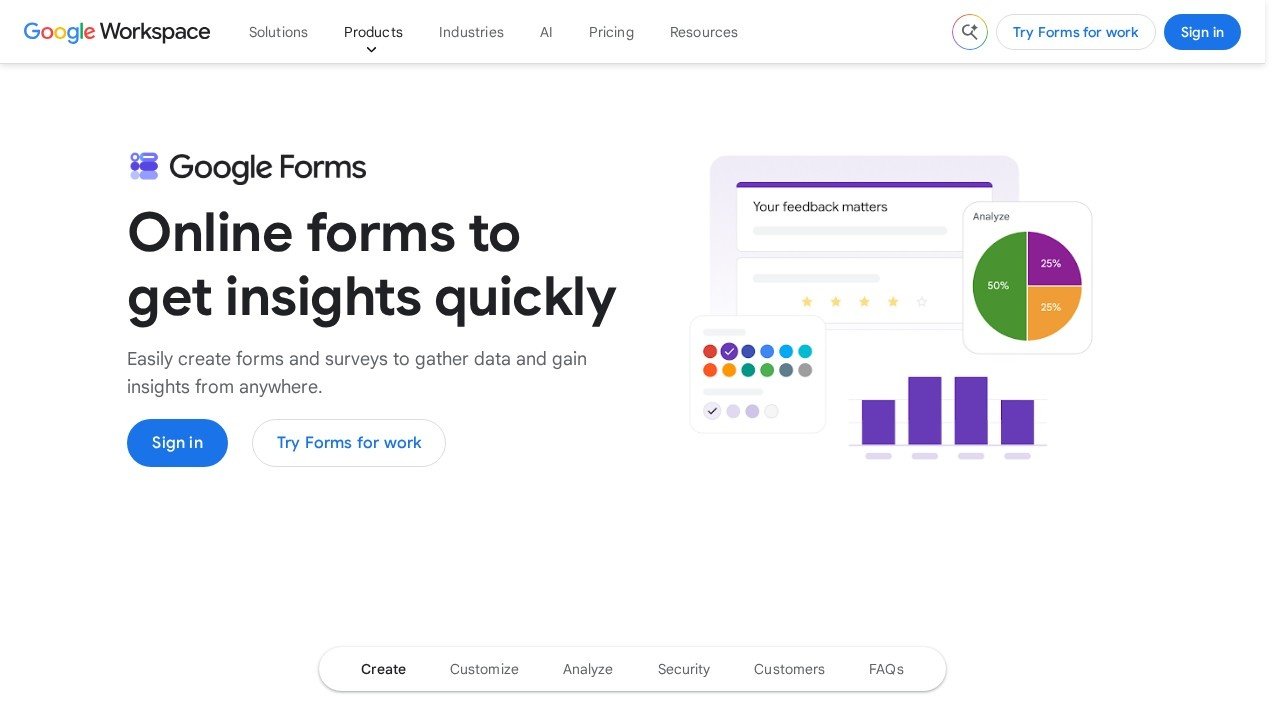
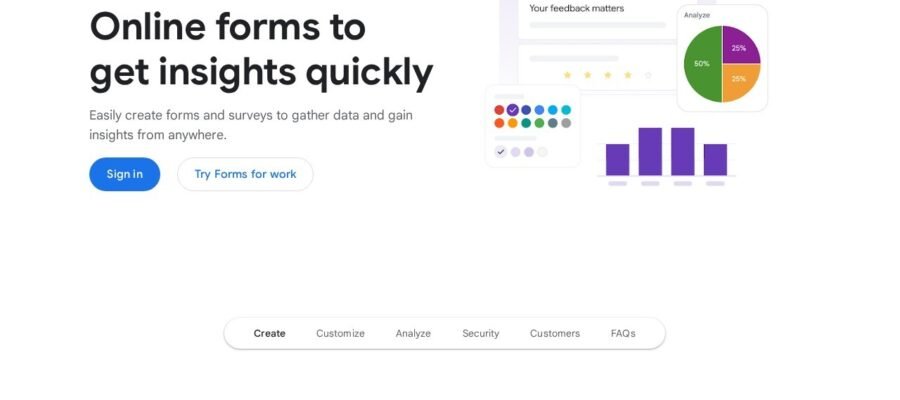
Google Forms is a free tool from Google that lets you make surveys, quizzes, and simple websites. It is very easy to use and you don’t need any special skills to start. You can ask people questions and collect their answers. This is great for getting feedback, planning events, or testing what people know.
Main Features
- Easy to Create: You can quickly build forms with different question types like multiple choice, short answers, and checkboxes.
- Customizable Designs: You can change the colors, add images, and pick different fonts to make your form look nice.
- Collect Responses: Answers are saved automatically in Google Sheets, which makes it easy to see and sort all the information.
- Share Easily: You can send your form through email, share a link, or put it on your website.
- Quizzes: You can make quizzes and even set correct answers and scores.
Who it Helps
Google Forms is useful for many people. Students can use it to create study guides or collect information for projects. Teachers can use it to make tests or get feedback from students. Businesses can use it to survey customers, collect leads, or gather employee opinions. Event planners can use it to collect RSVPs or ask about preferences. Anyone who needs to collect information from others will find Google Forms very helpful.
How to Start
Starting with Google Forms is simple. Just go to the Google Forms website. You will see a choice to start a new blank form or use a template. Pick the one that fits your needs. Then, you can start adding your questions. When you are done, click the send button to share your form with others. It is all free to use.