HandBrake
HandBrake
What HandBrake Is
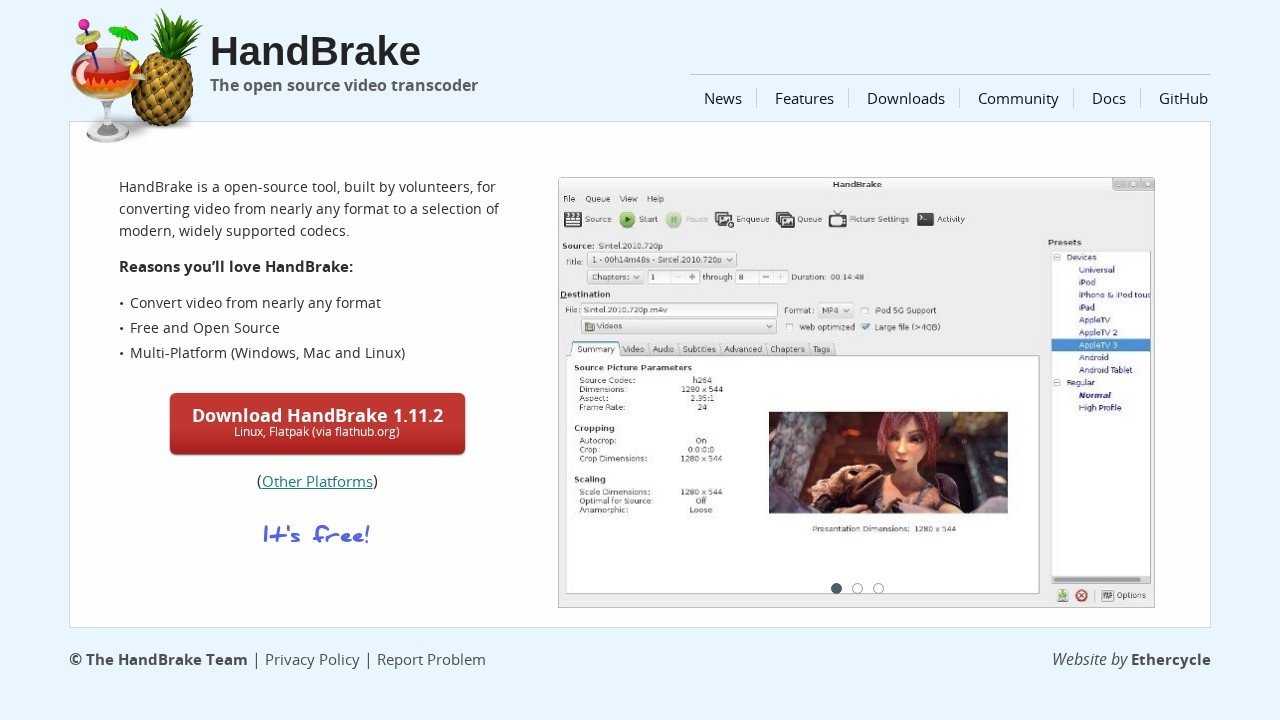
HandBrake is a free and open source program that helps you change video files. Think of it like a video converter. You can take a video in one format and change it into another format that works better for your device or for sharing online. It’s a very popular tool for people who want to make their videos smaller or compatible with different players.
Main Things It Does
HandBrake can do many things with video. It can convert videos from almost any format to modern, widely supported ones. You can also use it to shrink the size of your video files without losing too much quality, which is great for saving space or for uploading videos to the internet faster. It has many settings so you can adjust things like picture quality, sound quality, and subtitles. You can even set it to rip DVDs and Blu rays, though this is for personal backups only.
Who It Helps
HandBrake is useful for many people. If you have a lot of video files and need to make them all the same or playable on your phone or tablet, HandBrake is perfect. People who create videos for YouTube or other sites often use it to get their videos ready. Even if you just want to watch a movie on your computer and the format isn’t supported, HandBrake can fix that. It’s for anyone who works with video files and needs a reliable way to change them.
How to Get Started
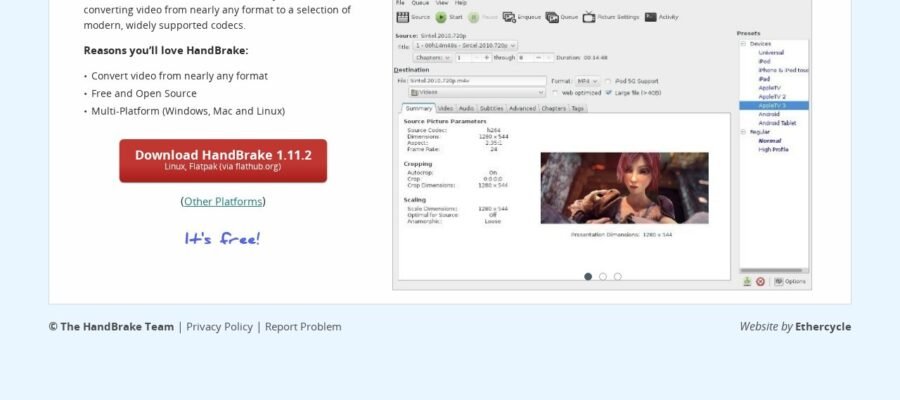
Getting started with HandBrake is easy. First, you need to go to the official website, which is HandBrake.fr. From there, you can download the program for free. It’s available for Windows, Mac, and Linux. Once you have installed it, you just open the program, drag and drop your video file into it, choose the settings you want, and click start. The program will then convert your video for you.
It’s Completely Free
One of the best things about HandBrake is that it is totally free to use. You don’t have to pay any money to download it or to use all of its features. This makes it a great choice for people who don’t want to spend money on video software.