OpenShot Video Editor
OpenShot Video Editor
What is OpenShot Video Editor
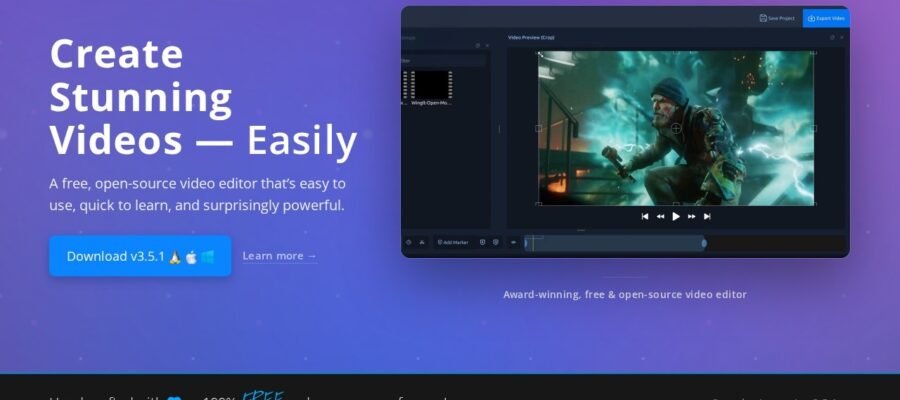
OpenShot Video Editor is a free and open source video editing program. This means it is completely free to download and use for anyone. It is designed to be easy to learn and use, making it a great choice for beginners who want to make videos. At the same time, it has enough features for more experienced users to create impressive projects.
Main Features
- Easy to Use Interface: OpenShot has a simple layout that is easy to understand. You can drag and drop clips, add effects, and arrange your video on a timeline.
- Unlimited Tracks: You can add as many video and audio tracks as you need for your project.
- Video Effects: It offers a wide range of effects like color correction, brightness, contrast, and more. You can also animate these effects over time.
- Transitions: Easily add smooth transitions between your video clips, such as fades and wipes.
- Title Editor: Create professional looking titles and text overlays for your videos. You can use templates or create your own.
- Keyframe Animation: Control how elements in your video move and change over time with keyframes.
- Cross Platform: OpenShot works on Windows, Mac, and Linux computers.
Who it Helps
OpenShot is perfect for students making school projects, hobbyists creating personal videos, small businesses needing simple marketing videos, and anyone who wants to edit videos without paying for expensive software. It is a great tool for learning the basics of video editing and for creating content for social media or personal use.
How to Start
You can download OpenShot Video Editor for free from their official website, openshot.org. Once downloaded, install it on your computer. The website also has tutorials and documentation to help you get started with its features.