Clipchamp
Clipchamp
What Clipchamp Is
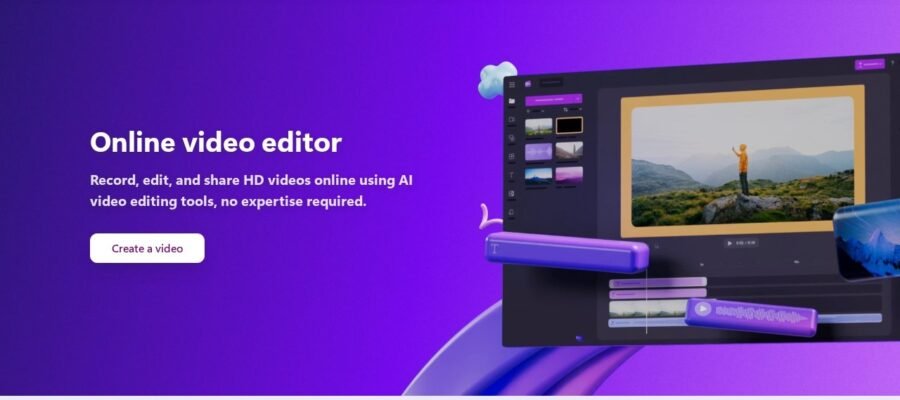
Clipchamp is a free online video editor. It lets you make videos right in your web browser. You don’t need to download any big software. It’s great for making videos for social media, presentations, or just for fun.
Main Features
Clipchamp has many tools to help you create good videos. You can cut and trim your video clips. You can add text and titles to your videos. There are also many free stock videos and images you can use. You can record your screen or your webcam directly in the editor. It also has a library of free music and sound effects. You can change the speed of your videos. You can also add filters and effects to make your videos look professional.
Who Clipchamp Helps
Clipchamp is good for many people. Beginners who are new to video editing will find it easy to use. Small businesses can make marketing videos without spending a lot of money. Students can create video projects for school. Content creators on social media can quickly make and share videos. Anyone who wants to make a video without complicated software will like Clipchamp.
How to Start
Getting started with Clipchamp is simple. Go to their website at https://clipchamp.com/. You can sign up for a free account. Once you are logged in, you can start a new project. You can upload your own video files, photos, and music. Or you can use the free stock media provided by Clipchamp. Then, use the editing tools to put your video together. When you are finished, you can export your video.
Pricing
Clipchamp offers a free plan. The free plan lets you create and export videos with many of its features. For users who need more advanced options, like higher resolution exports or access to premium stock media, there are paid plans available. However, the free version is very powerful and enough for most basic video editing needs.