LibreOffice
LibreOffice
What is LibreOffice
LibreOffice is a powerful and free office software suite. It offers a complete set of tools for creating documents, spreadsheets, presentations, and more. Think of it as an alternative to paid office programs, but completely free to download and use. It is developed by The Document Foundation and is built on open source principles, meaning its code is open for anyone to see and improve.
Main Features
LibreOffice includes several programs that work together. Writer is for word processing, like writing letters and reports. Calc is for spreadsheets, good for managing numbers and data. Impress is for making presentations, similar to slideshows. Draw is for vector graphics and flowcharts. Base is for databases, and Math is for creating mathematical formulas.
- Writer: For writing and editing text documents.
- Calc: For creating and analyzing spreadsheets.
- Impress: For designing and delivering presentations.
- Draw: For creating diagrams and graphics.
- Base: For managing databases.
- Math: For writing mathematical equations.
Who it Helps
LibreOffice is for everyone who needs office software but wants to save money. This includes students, teachers, small businesses, non profit organizations, and individuals. If you need to write a document, create a budget, or give a presentation, LibreOffice has the tools you need without any cost. Its open source nature also means it is constantly being improved by a community of users and developers.
How to Get Started
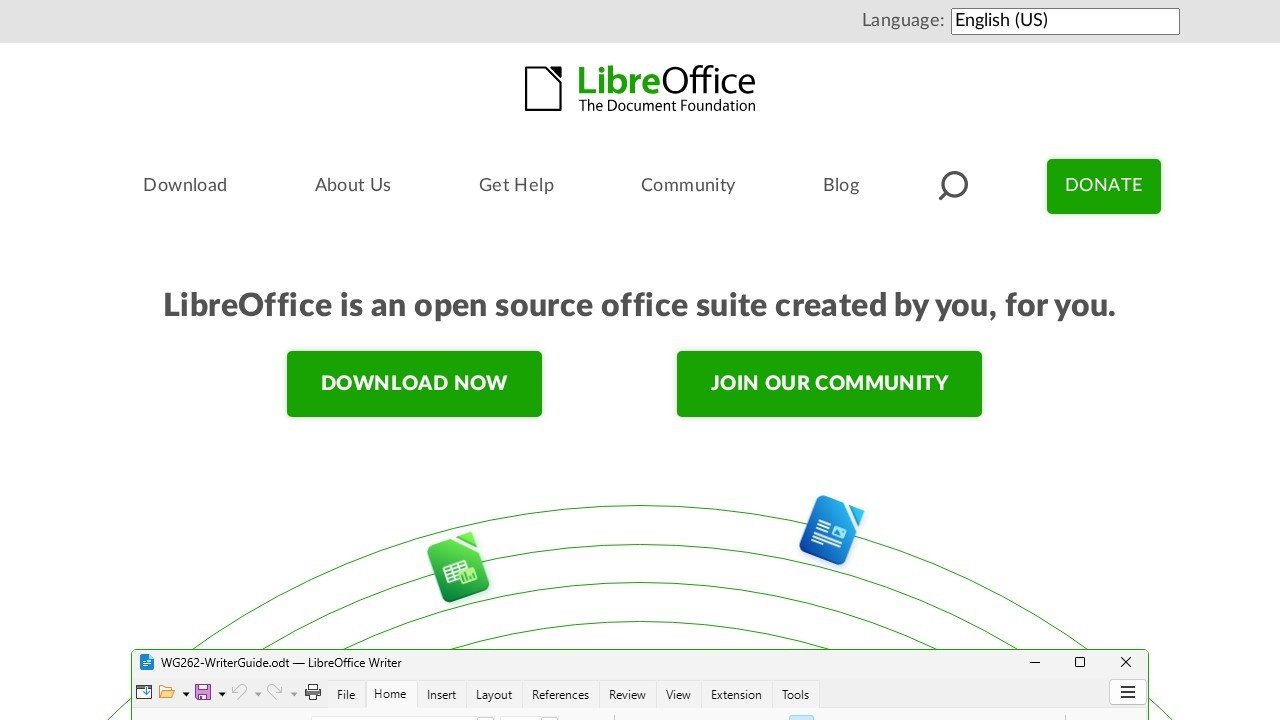
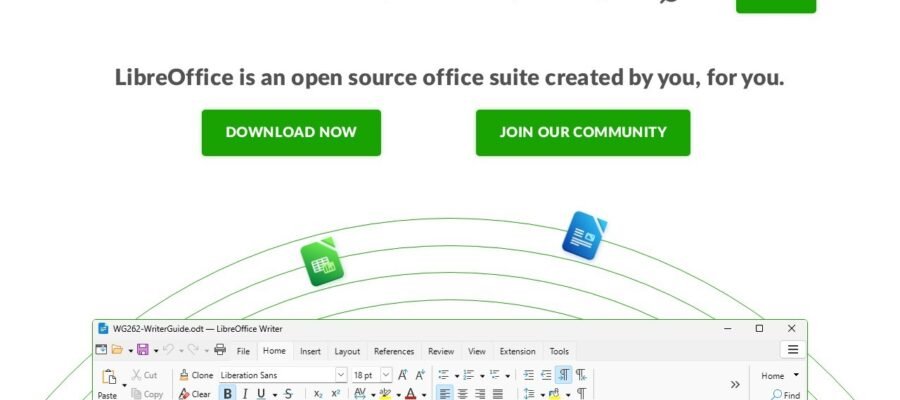
Getting started with LibreOffice is very simple. You just need to visit their official website at https://www.libreoffice.org. On the homepage, you will find a clear download button. Clicking this button will lead you to download the correct version for your computer operating system, whether it is Windows, macOS, or Linux. Once downloaded, follow the easy installation steps. After installation, you can open the programs and start creating your work right away.
Pricing
The best part about LibreOffice is that it is completely free. There are no hidden costs, no subscriptions, and no trial periods. You can download, install, and use all of its features for as long as you want without paying anything. This makes it an excellent choice for anyone looking for a cost effective office solution.